
This post contains affiliate links. If you buy through them, we may earn a small commission at no extra cost to you. Learn more.
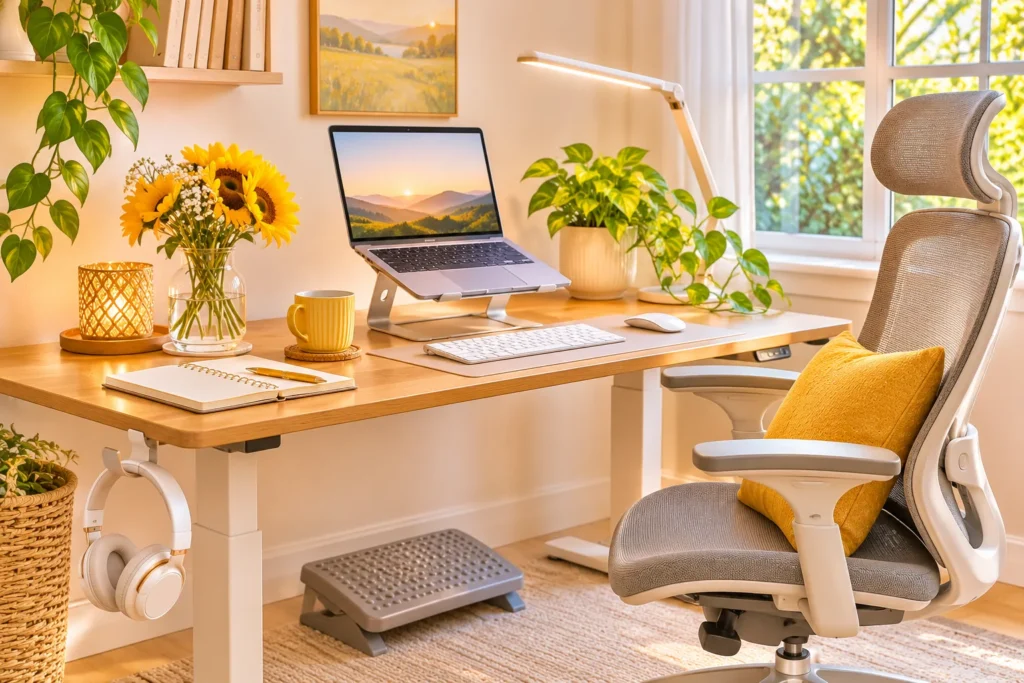
Working from a sofa or a kitchen chair is fine for a day. Do it for months and your neck and back will let you know. The good news: a comfortable, ergonomic workspace doesn’t require a $1,000 chair. Start with these adjustments, in this order.
Step 1: Find your ideal heights
Use our free Desk & Chair Height calculator to estimate your chair, desk and standing-desk height based on your own height. The general goals:
- Feet flat on the floor, knees at about 90°.
- Elbows at about 90° with shoulders relaxed when typing.
- Top of the screen at or slightly below eye level, about an arm’s length away.
Step 2: Raise your screen
Looking down at a laptop all day is a major cause of neck strain. A laptop stand plus an external keyboard and mouse is the single best upgrade under $50.
Adjustable Laptop Stand
Lifts your screen to eye level and folds flat for travel.
Check on Amazon →Wireless Keyboard and Mouse Combo
Needed once your laptop is raised. Choose a quiet, full-size keyboard.
Check on Amazon →Step 3: Support your back
If your chair is too low or too deep, a lumbar cushion and a seat cushion can make an ordinary chair surprisingly comfortable.
Footrest Under Desk
Lets shorter people sit back in the chair with feet supported.
Check on Amazon →Step 4: Consider a standing desk (or converter)
Switching positions during the day helps you avoid sitting still too long. A converter sits on your existing desk; a full standing desk replaces it.
Electric Standing Desk
Look for memory presets and a stable frame. Measure your space first.
Check on Amazon →Standing Desk Converter
No need to replace your desk. Just place it on top.
Check on Amazon →Step 5: Light it well
Face a window or put it to your side rather than behind you to reduce screen glare, and add a desk lamp for evenings.
LED Desk Lamp with Dimmer
Adjustable color temperature: cooler for focus, warmer for evening.
Check on Amazon →